







Going off-piste with Wireless Connectors
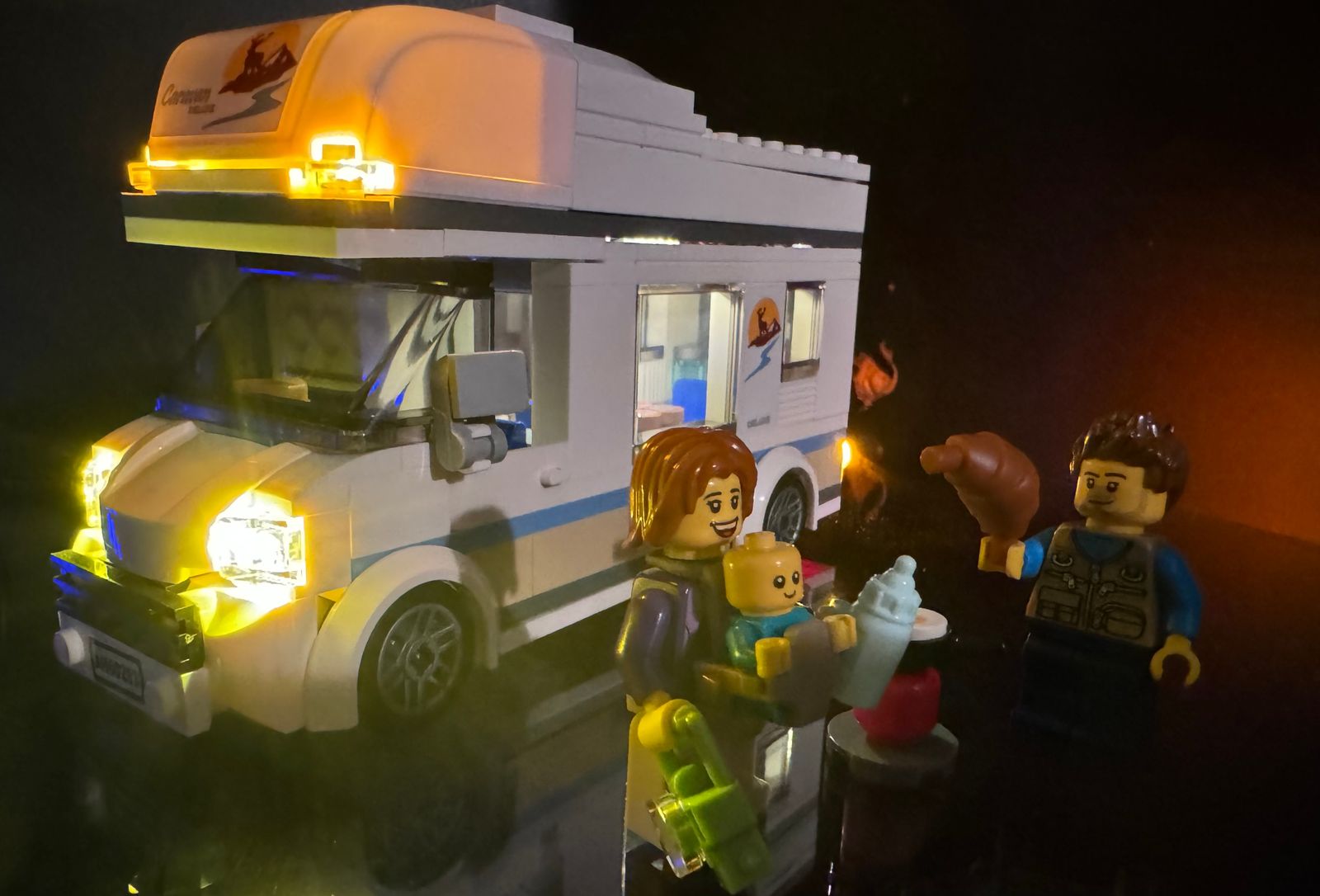
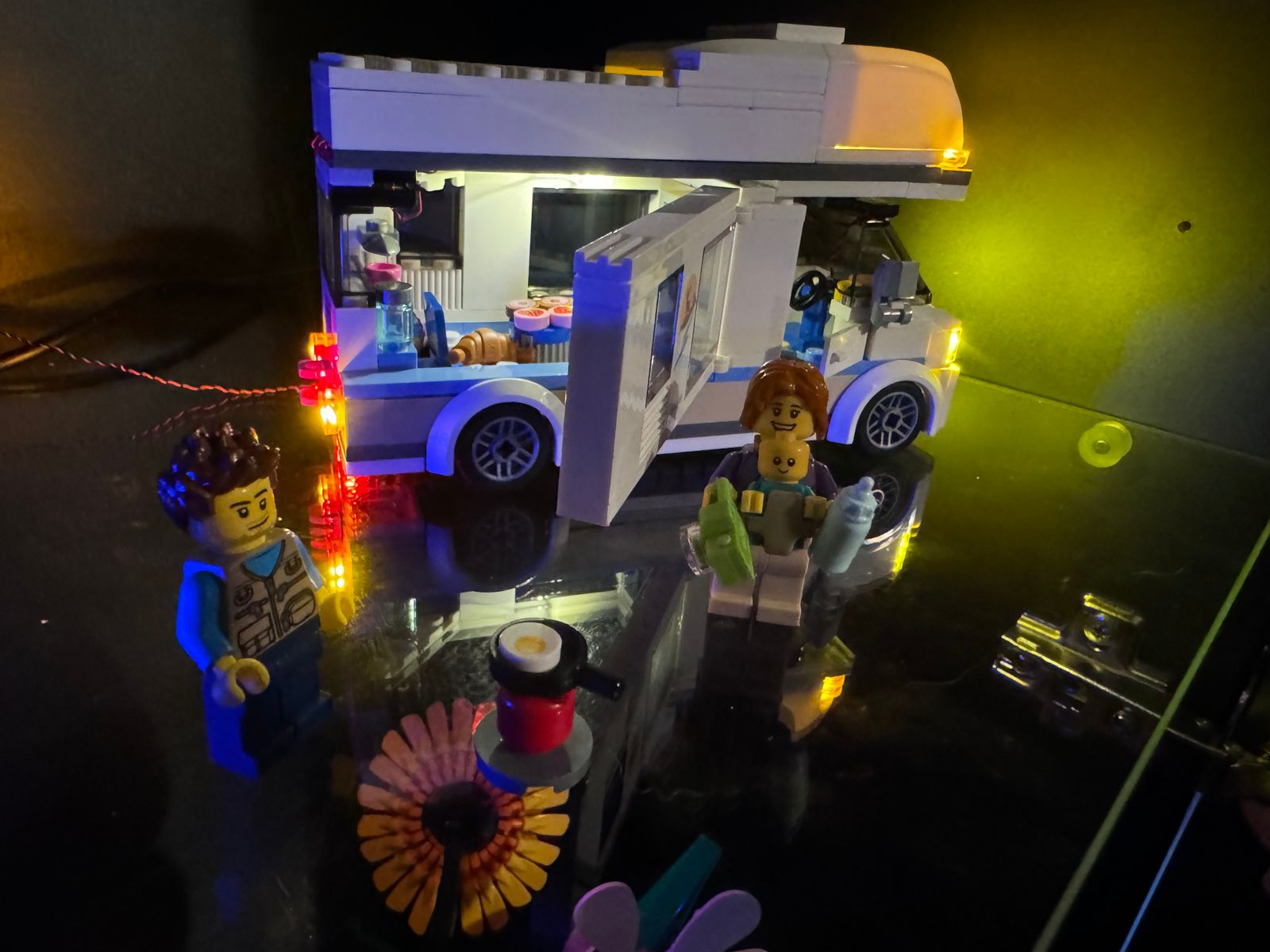
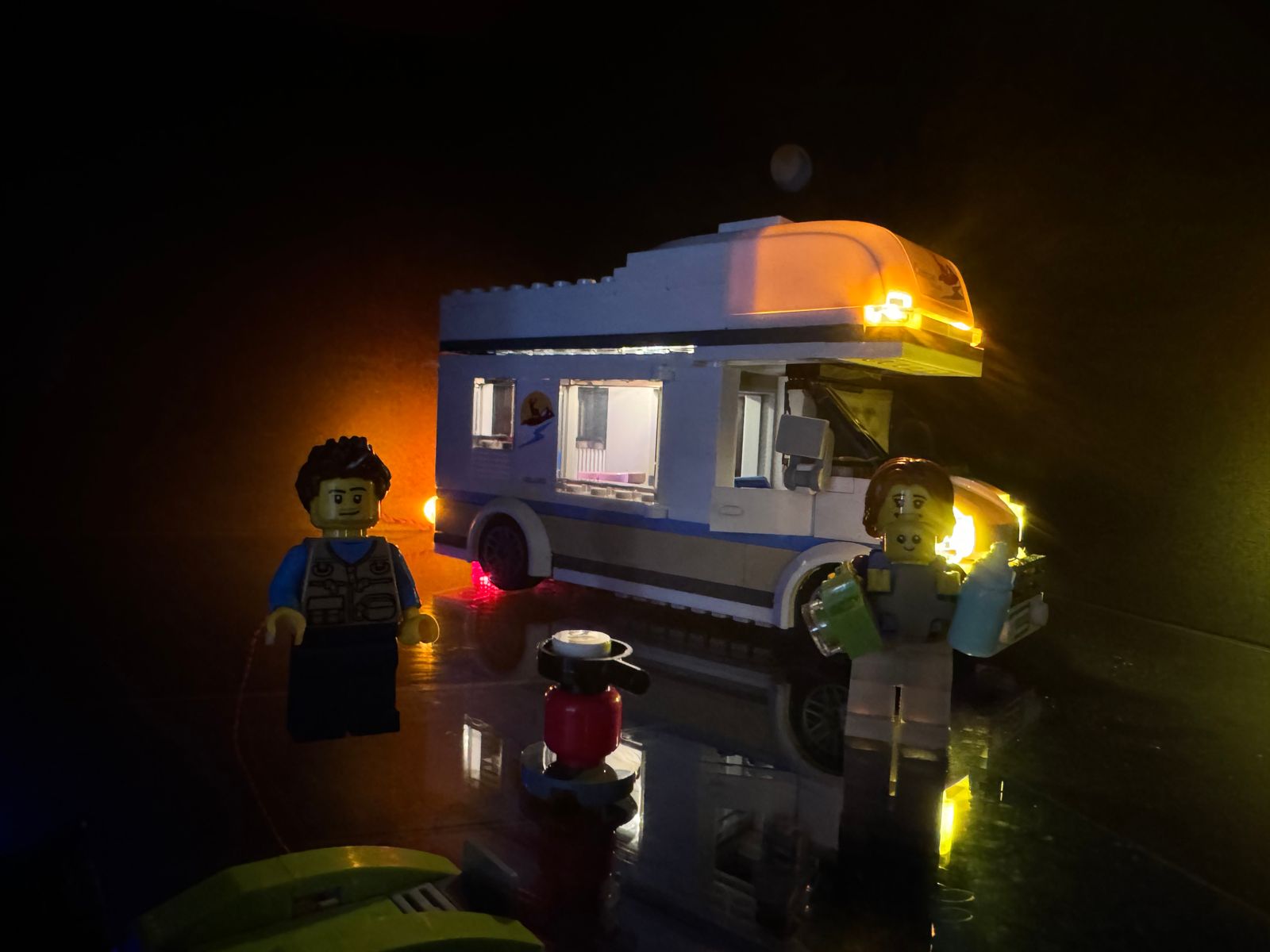
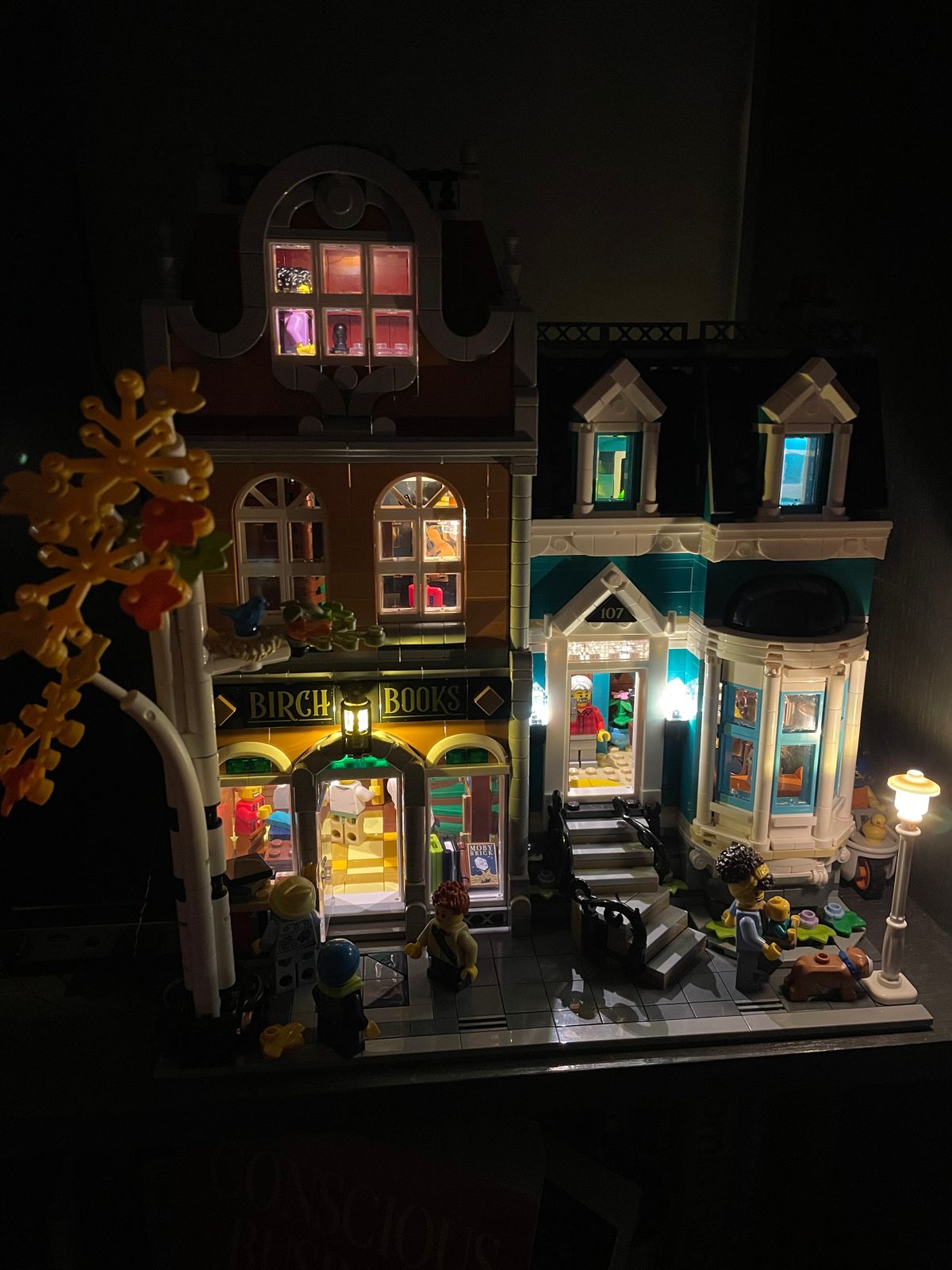
I’ve just finished my 6th Lego build incorporating Game of Bricks’ lights.
For the first three (Motorised Lighthouse, Notre Dame and Parisienne Restaurant) I followed the GoB instructions - all very straightforward with clear photos of where and how to install the lighting features and cables.
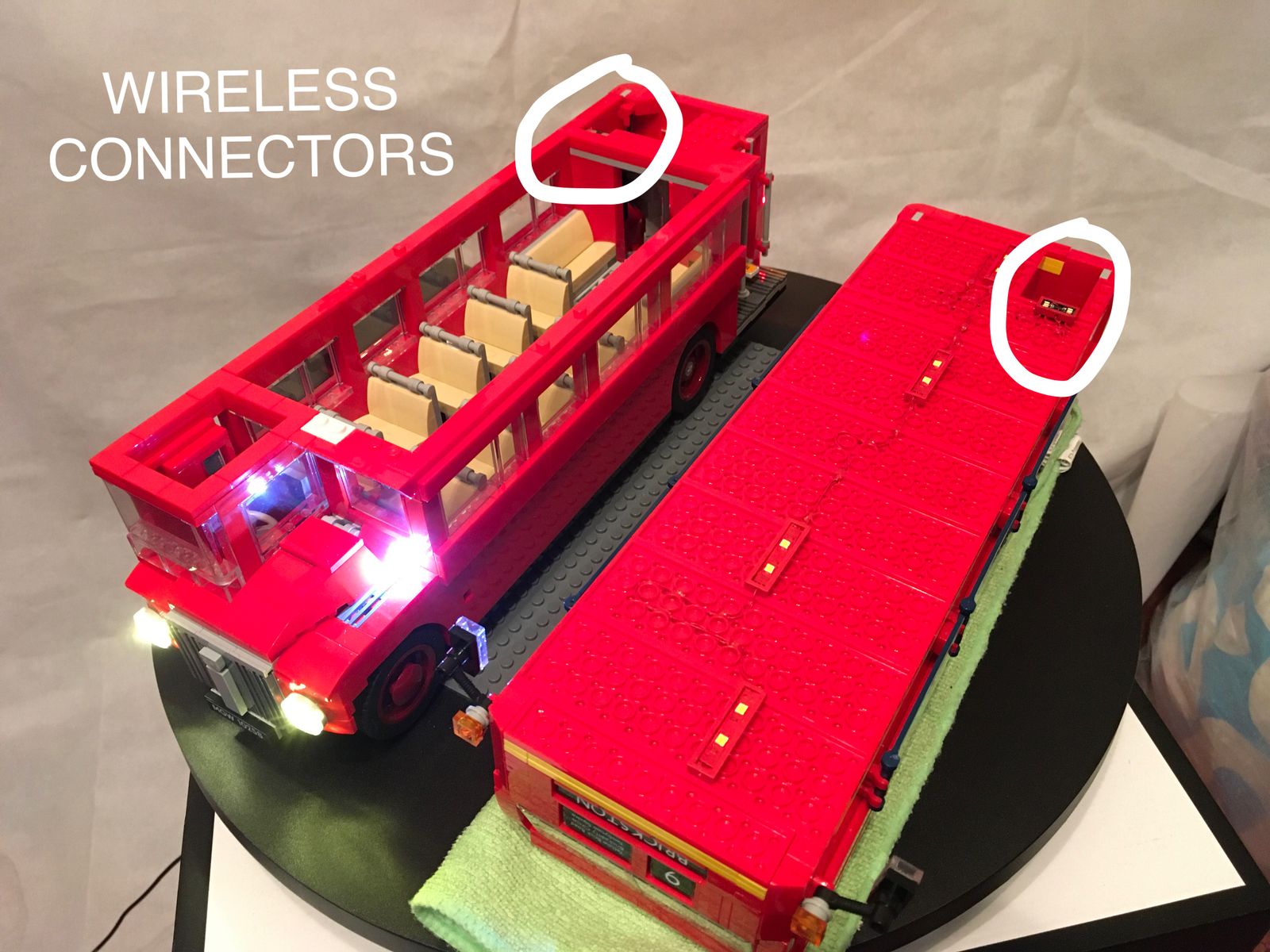
For the fourth and fifth installations (on modular buildings) I went off-piste and decided to use wireless connectors so that I could separate different floors of the buildings without worrying about connection cables. I subsequently went back to the Lighthouse and Parisienne Restaurant and retro-fitted Wireless Connectors.
Going the Wireless Connector route needed a bit of planning, especially as I wanted to be able to control the differing floors separately by remote control. So it was not just connecting one floor to another via a wireless connector. Again though, as in the following-the-instructions mode, it is pretty straightforward and the wireless connectors worked brilliantly. I did find it helpful to hold the “female” connector in place temporarily with a bit of sticky tape just to make sure the cable runs and connectors worked. Once that checked out, I fixed them in place with the sticky strips on the back of the connectors.
For my latest build, a two-story modular MOC building, I went totally off-piste and came up with my own lighting plan using 2x Striplights, 2x Bitlights, 1x wireless connector, 1x 10cm Connecting Cable, 1x Expansion Board, and a USB Connecting…